
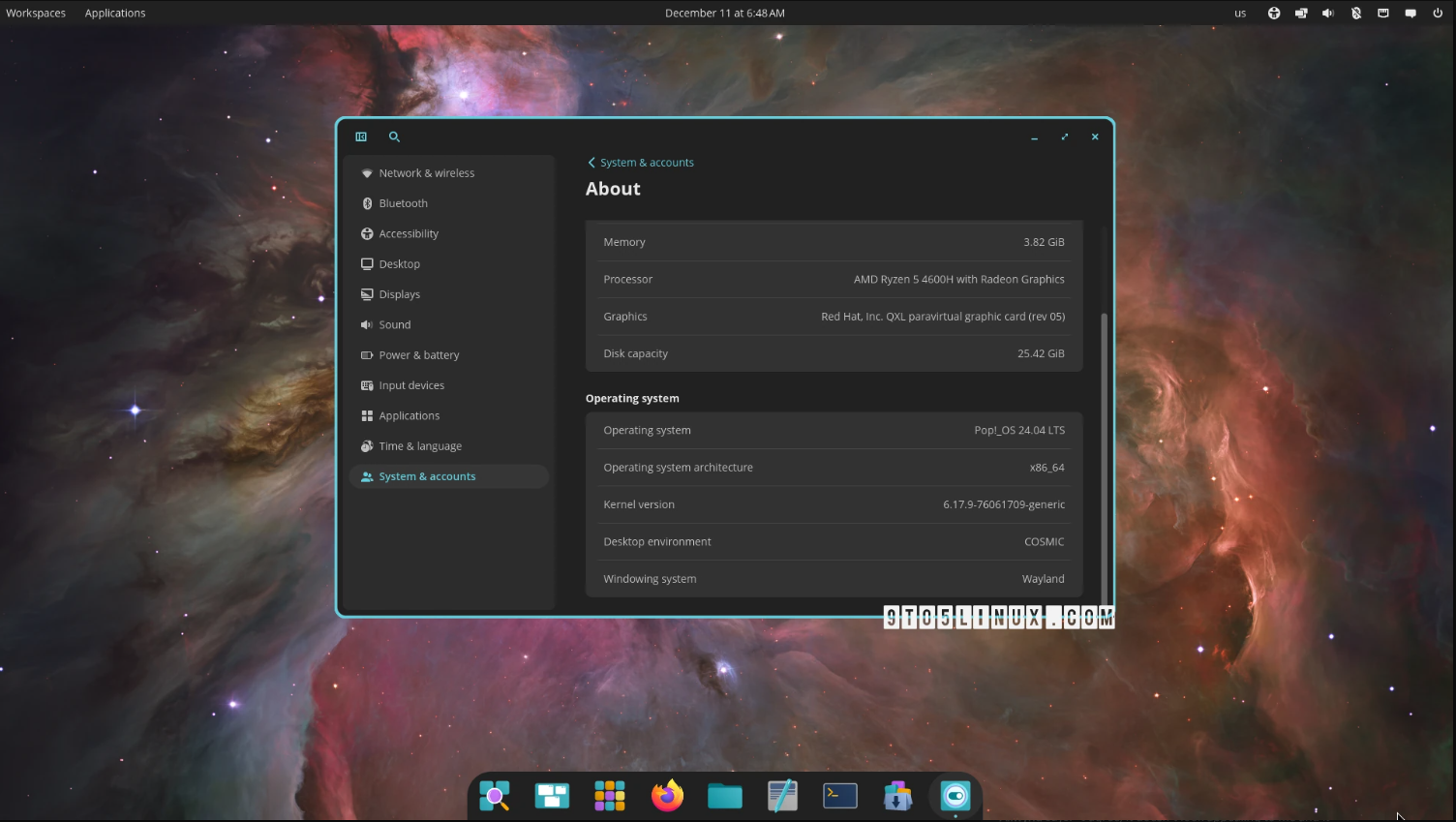
Linux hardware vendor System76 released COSMIC 1.0.14 today as the latest stable update to this Rust-based desktop environment used by default on the Pop!_OS Linux distribution.
COSMIC 1.0.14 is a maintenance update in the COSMIC Epoch 1.0 series, adding keybind support for non-Latin keyboard layouts, support for linear progress markers for the volume OSD progress bar, F16 shader enablement on supported GPUs, support for the oo7-secret portal by default, and support for showing the cursor by default in screencasts.
This release also improves COSMIC Settings with support for sorting VPN connections alphabetically and startup applications by name, as well as the ability to retry the connection to the settings daemon and allow requests for brightness values, and support for matching panel corner radius to the design.
The COSMIC Files file manager received text file preview support and better support for the 24-hour time format in the file dialog. On the other hand, COSMIC Applets now support the nmrs Rust bindings for NetworkManager over D-Bus for VPN, airplane mode, and secret agent.
Among other noteworthy changes, COSMIC 1.0.14 adds support for reordering app groups with drag and drop, adds support for external monitor brightness using DDC/CI, adds a rpm-ostree backend, adds IME support to the COSMIC Term terminal emulator, and adds a cursor idle-hide timeout to the COSMIC compositor.
For more details about the changes included in COSMIC 1.0.14, check out the release notes on the project’s GitHub page. Meanwhile, if you’re using the COSMIC desktop environment, keep an eye on the stable software repositories of your favorite GNU/Linux distribution for the COSMIC 1.0.14 update.
System76 is still working hard on the next major release, COSMIC Epoch 2.0, which promises exciting features like hot reloading support, widget animation support, IME and fcitx support, multi-threaded image decoding and parallel GPU image uploads, and support for filtering open windows by workspace.
COSMIC Epoch 2 also promises support for expandable folders in COSMIC File’s list view, Wacom tablet support, improved screen reader flow in COSMIC apps, a COSMIC Printers dialog, firmware management in COSMIC Settings, gaming improvements, and a brand-new Frosted effect that you can enjoy below.
COSMIC 1.0.14 is a maintenance update in the COSMIC Epoch 1.0 series, adding keybind support for non-Latin keyboard layouts, support for linear progress markers for the volume OSD progress bar, F16 shader enablement on supported GPUs, support for the oo7-secret portal by default, and support for showing the cursor by default in screencasts.
This release also improves COSMIC Settings with support for sorting VPN connections alphabetically and startup applications by name, as well as the ability to retry the connection to the settings daemon and allow requests for brightness values, and support for matching panel corner radius to the design.
The COSMIC Files file manager received text file preview support and better support for the 24-hour time format in the file dialog. On the other hand, COSMIC Applets now support the nmrs Rust bindings for NetworkManager over D-Bus for VPN, airplane mode, and secret agent.
Among other noteworthy changes, COSMIC 1.0.14 adds support for reordering app groups with drag and drop, adds support for external monitor brightness using DDC/CI, adds a rpm-ostree backend, adds IME support to the COSMIC Term terminal emulator, and adds a cursor idle-hide timeout to the COSMIC compositor.
For more details about the changes included in COSMIC 1.0.14, check out the release notes on the project’s GitHub page. Meanwhile, if you’re using the COSMIC desktop environment, keep an eye on the stable software repositories of your favorite GNU/Linux distribution for the COSMIC 1.0.14 update.
System76 is still working hard on the next major release, COSMIC Epoch 2.0, which promises exciting features like hot reloading support, widget animation support, IME and fcitx support, multi-threaded image decoding and parallel GPU image uploads, and support for filtering open windows by workspace.
COSMIC Epoch 2 also promises support for expandable folders in COSMIC File’s list view, Wacom tablet support, improved screen reader flow in COSMIC apps, a COSMIC Printers dialog, firmware management in COSMIC Settings, gaming improvements, and a brand-new Frosted effect that you can enjoy below.
No comments yet. Be the first to comment.